BS 7671 electrical certificates
Eight BS 7671 certificates — signed on site, on the App Store now. Sold on its own, or bundled with every other trade in Complete.
- Works fully offline
- No signal? No problem.
- Free to build and preview
- You pay to issue and send.
- Checks before you issue
- Spot the problem on site.
In the app today
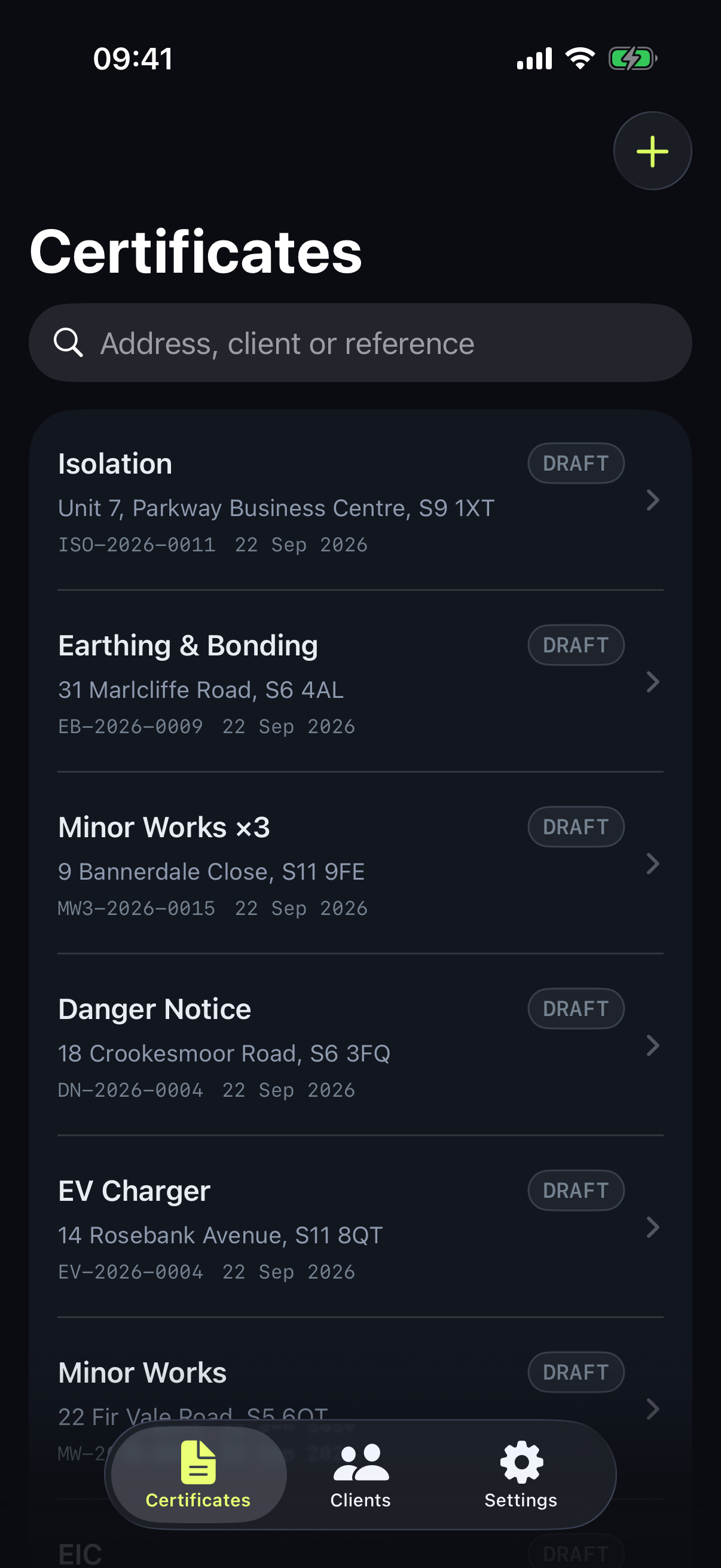
8 certificates you can issue now
Every layout is written against the published standard, and a competent person in that trade reviews it — which is why the trades arrive one at a time rather than everything shipping at once. Where a form is released before that review, we say so against it rather than leaving you to assume.
Download on the App Store- Electrical Installation Condition Report (EICR)
- Electrical Installation Certificate (EIC)
- Minor Electrical Installation Works Certificate
- Three Circuit Minor Works Certificate review pending
- EV Charging Point Installation Certificate review pending
- Earthing & Bonding Certificate review pending
- Electrical Isolation Certificate review pending
- Electrical Danger Notification review pending
5 of these forms went into the app on the owner's judgment ahead of a qualified BS 7671 engineer reading them, with a review to follow. They are marked above. 3 of the 8 were signed off before they shipped. We would rather say which is which than let a tick imply something nobody has checked.
Not built yet
- Solar PV Certificate (BS EN 62446-1)
Where a standard is amended we update the templates and note the change in the app.
Built for electricians
The paperwork,
without the paperwork.
Build it on site
Create the certificate, add the circuits and the observations and attach photos, on the device, where the job is.
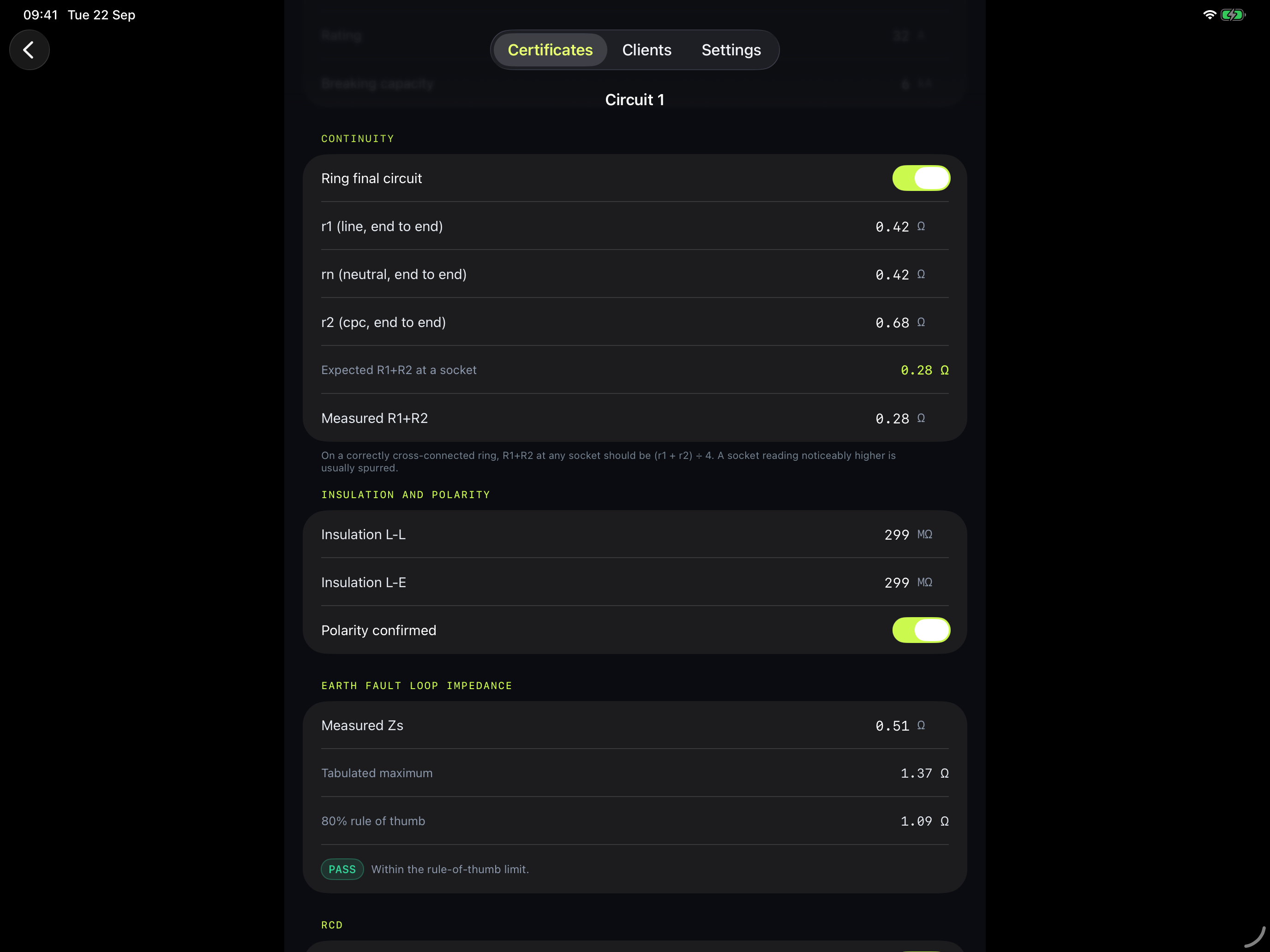
Catch mistakes before the client sees them
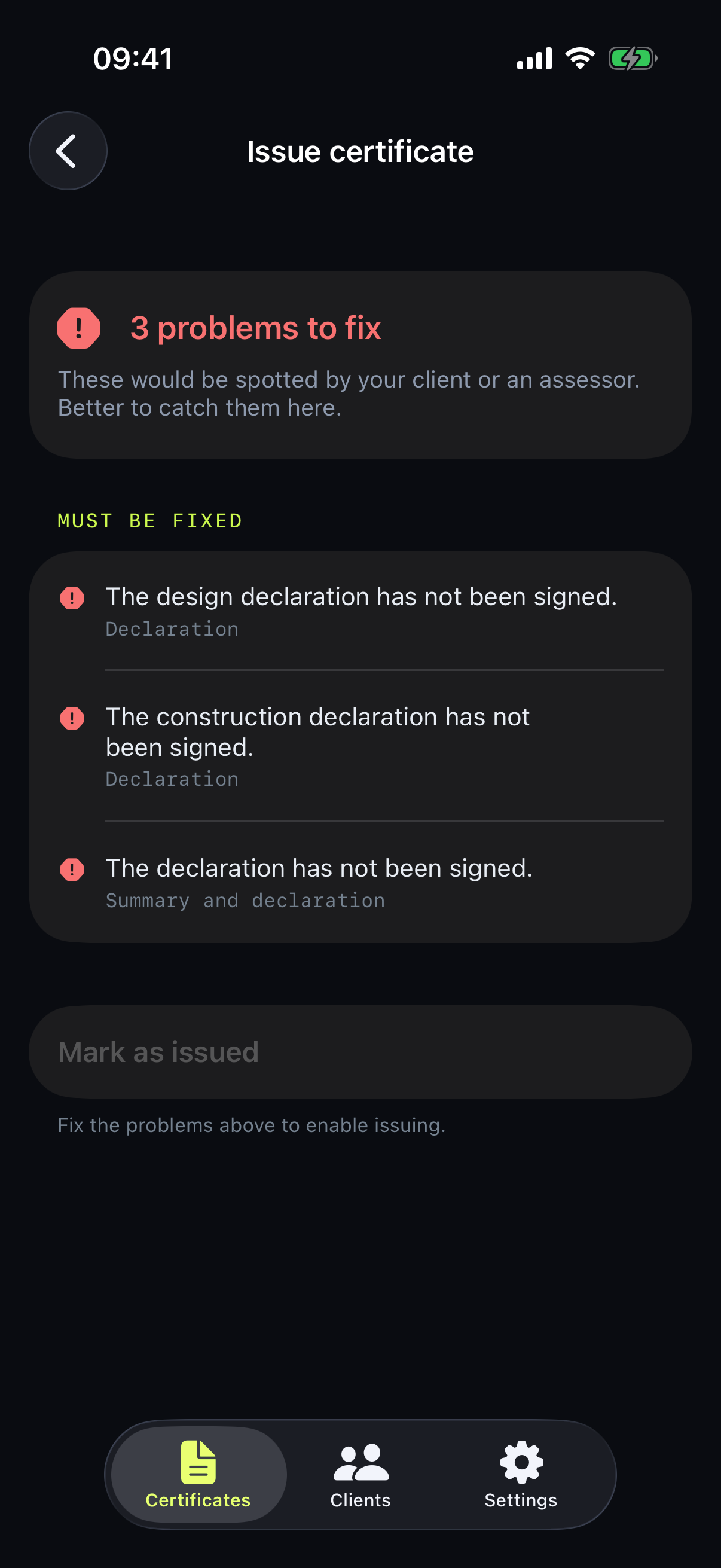
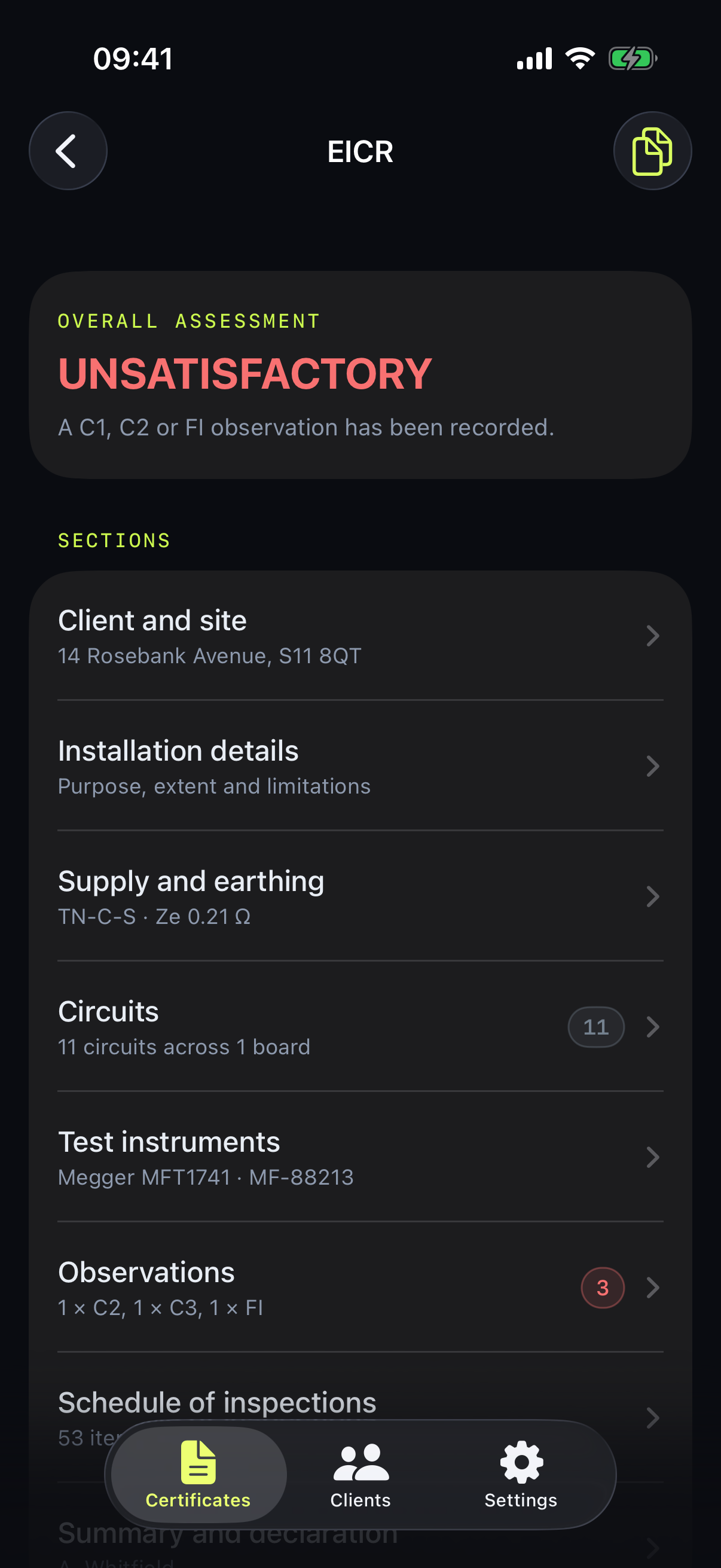
A Zs over the maximum for its device, an observation with nothing written in it, an unsigned declaration. And any C1, C2 or FI makes the report unsatisfactory, with no override.
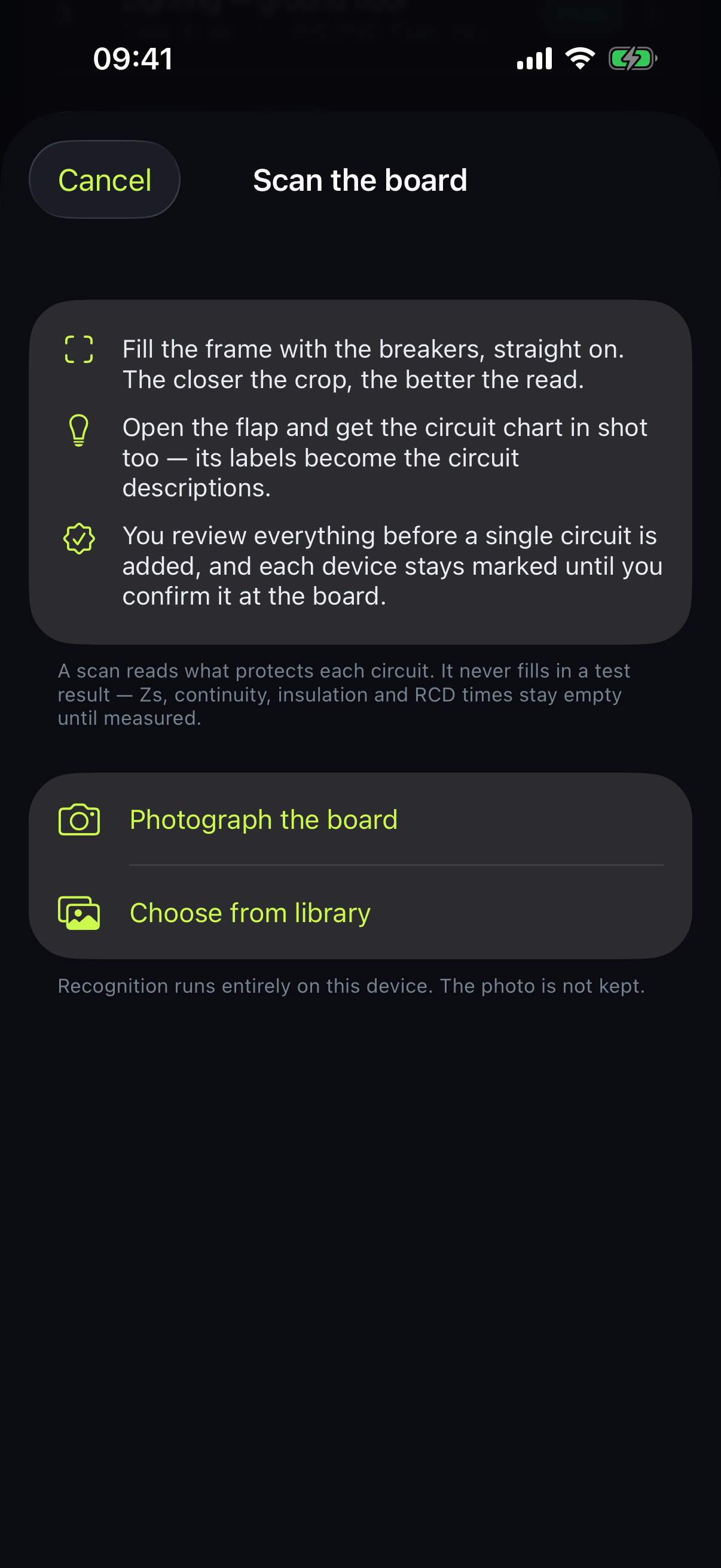
Photograph the board, get the schedule
A draft circuit schedule from a photograph of the consumer unit. The text recognition runs on the device and the photo is not uploaded.
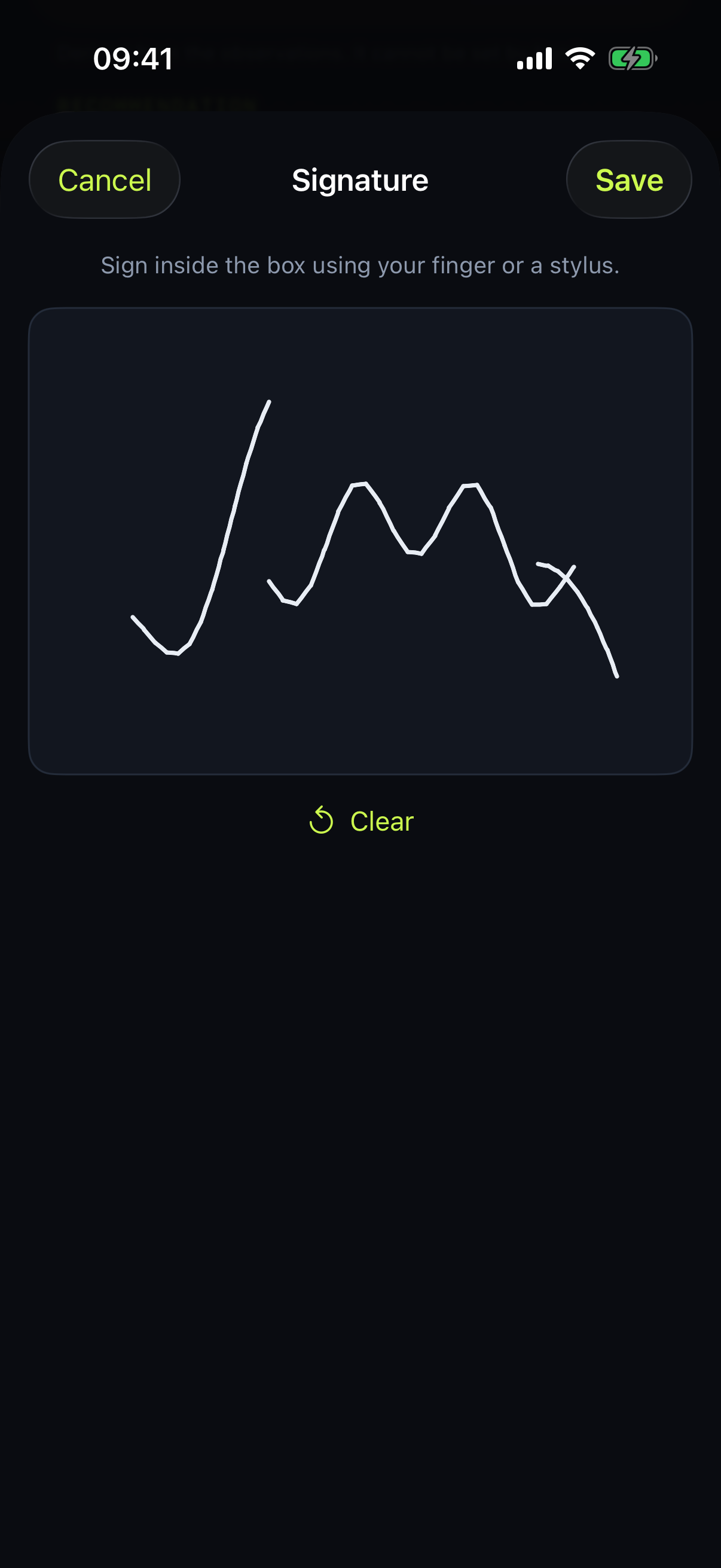
Sign and send
Capture the client's signature on screen and send the finished PDF before you get back in the van.
Pricing
One app. Every trade.
Electrical bought on its own elsewhere is £125.99 a year (iCertifi, single user, checked 21 July 2026). Certably sells it for £99, or bundles PAT Testing, Fire & Emergency and Gas into Complete for £149.
Electrical only
£99 /year
or £9.99 a month
All eight BS 7671 certificates — everything the app issues today.
Get the appEvery trade
£149 /year
or £19.99 a month
The same certificates as Electrical today. PAT, fire and gas land in it at no extra cost — buy it now only if you want the price locked in.
Get the appTrades in Complete
- Electrical In the app
- PAT Testing Coming
- Fire & Emergency Coming
- Gas Coming
Electrical is what Complete unlocks today. The other three land in it at no extra cost as each one is signed off.
How it works
Five simple steps.
From photo to PDF.
-
1
Arrive on site
Open Certably and start a certificate, or duplicate last year's.
-
2
Photograph the board
Take a photo and Certably drafts the circuit schedule for you to check.
-
3
Complete and check
Fill it in on the device, then the app lists what your client or an assessor would spot — before they do.
-
4
Sign on screen
Capture the client's signature while you are still standing there.
-
5
Send to your client
Issue it and send the PDF before you get back in the van.
Offline mode
Every step above happens on the device. Nothing has to reach us before you can carry on working.
Free until you issue
Building a certificate and reading the finished PDF costs nothing, with no time limit. The subscription buys step five.
Photograph the board. Get the schedule.
Point the camera at a consumer unit and Certably reads the device markings, then proposes a circuit schedule for you to check before anything is created.
The photo never leaves your phone
Text recognition runs on the device. The photograph is not uploaded, not to us and not to anybody else, and it works in a basement with no signal.
It fills in construction, never readings
Device standard, curve, rating, RCD and description. Not a Zs, not an insulation figure, not a polarity confirmation. A photograph is not a test result.
Scanned circuits block issue until you confirm them
A misread 32 that should have been a 20 changes the maximum permitted Zs, so an unconfirmed device is never allowed to decide a pass. Scanned circuits are flagged on the schedule and the certificate will not issue until each one has been checked against the physical board.
You review the lot before anything is created
Misreadings it can spot, it corrects and flags. Ratings that are not real breaker sizes get dropped. Main switches and RCD incomers are left out. Then you accept, edit or bin the list.
Also in the app
Know which job you are on
Your diary already says where you are going and what for. Certably can read today's appointments and offer to start the certificate one of them describes, with the site and the client filled in. It reads your calendar on the device, never uploads it, and fills in identity only — never a test result.
Get asked back in five years
A certificate you issue today recommends the next one years out. Certably puts that date in your own calendar, and shows you what is coming due with a message to the client ready to send from your own phone. The re-inspection is the work; forgetting it is how you lose it.
Available now
Certify the next one from your phone
Certably is on the App Store. Download it, build a certificate and read the finished PDF before you pay anything — a subscription is what lets you issue it and send it to the client.

iPhone · iPad · iOS 18.0 or later · Works fully offline